Subscription Information
Subscribe to GetEles. and confirm your subscription information in "Subscription Information" before subscribing~
Features
Learn more about GetEles.
Shortcuts
For your convenience, GetEles supports shortcut operations
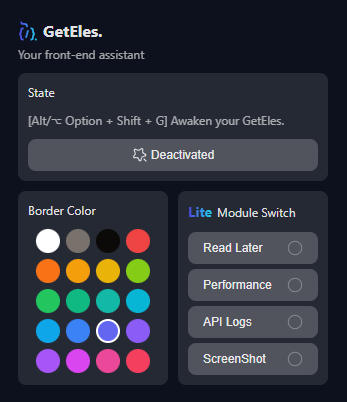
Activate Extension
Alt/Option + Shift + G
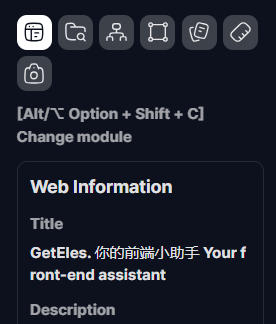
Card Mode - Switch Module
Alt/Option + Shift + C
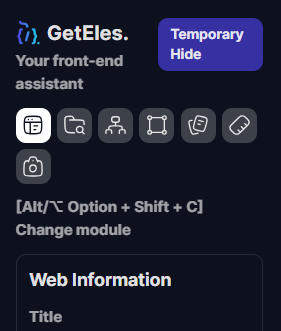
Card Mode - Temporarily Hide/Restore
Alt/Option + Shift + X
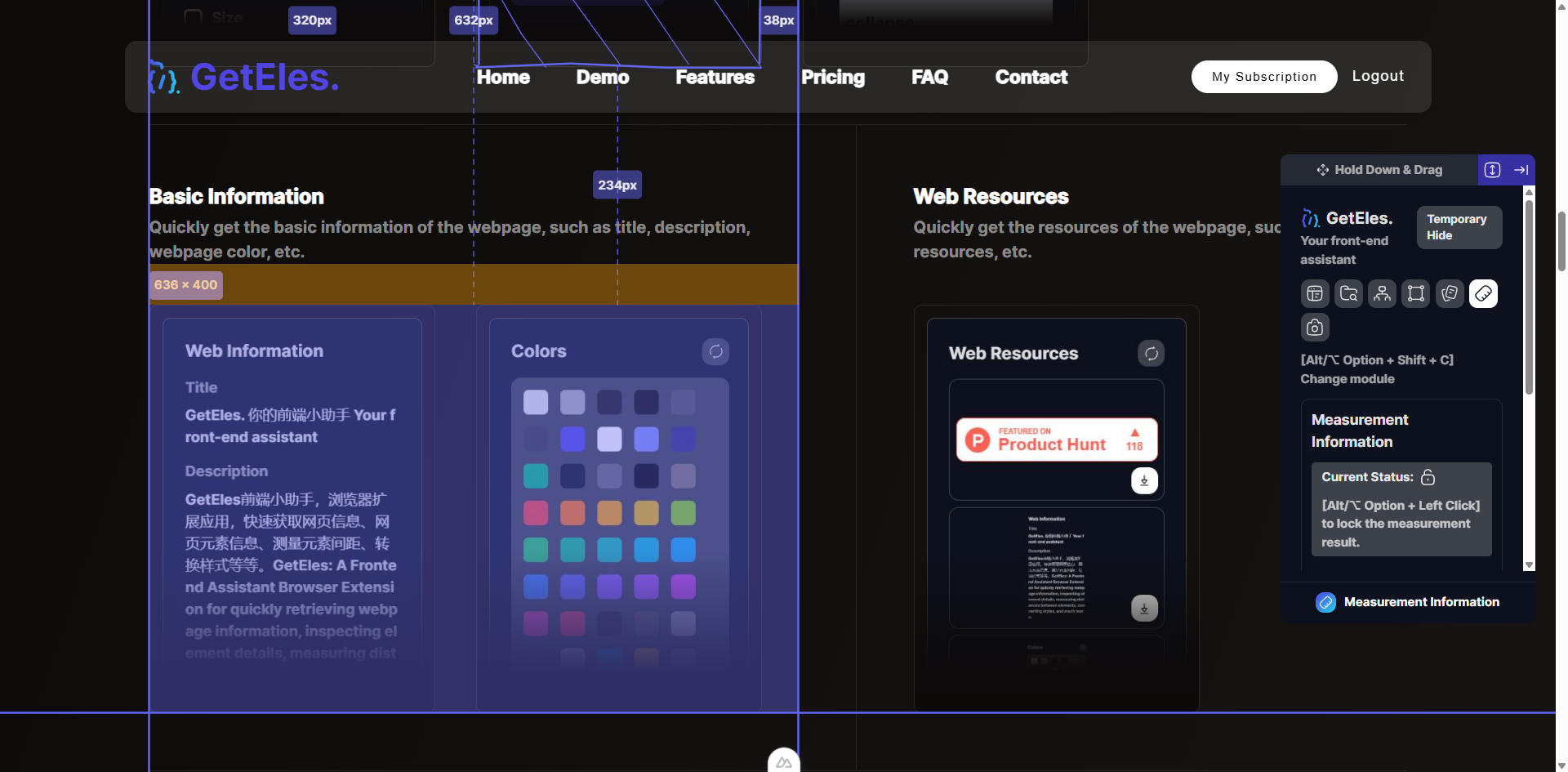
Quick Measurement
Select an element, then press Alt/Option
GetEles supports quick operations through shortcuts, if it is invalid, please go to the browser【Extension Program-Extension Program Management-Keyboard Shortcuts】to set it
Basic Information
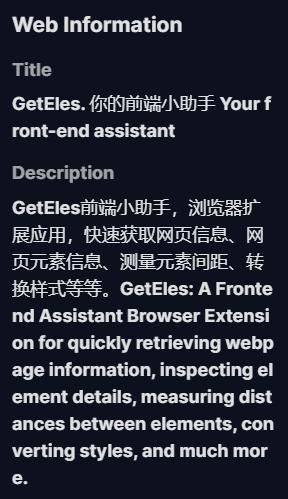
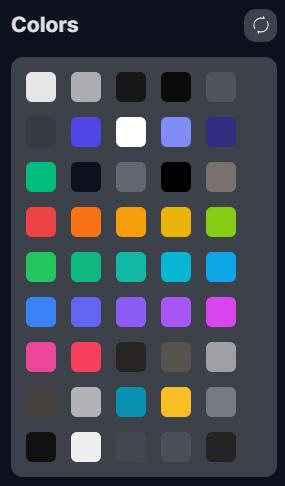
FreeQuickly get the basic information of the webpage, such as title, description, webpage color, etc.
Web Resources
FreeQuickly get the resources of the webpage, such as image resources, etc.

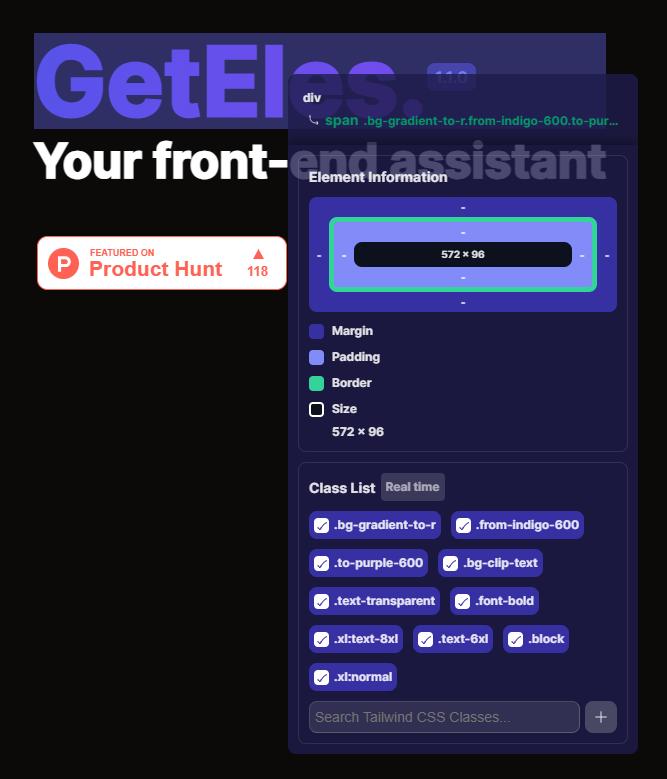
Element Information
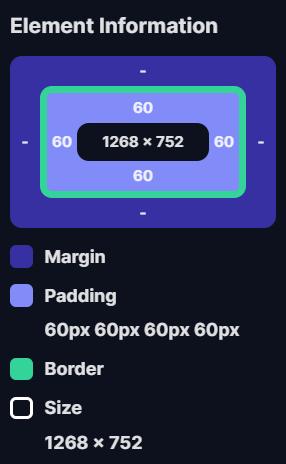
FreeProQuickly get the size of the selected element, including size, padding, border, margin, and more.
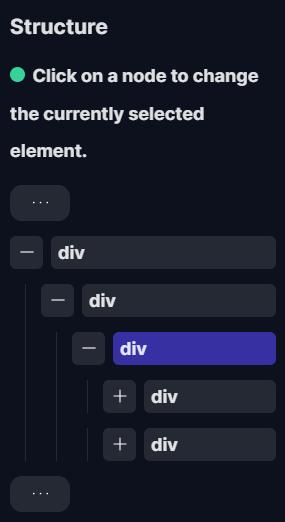
Structure Tree
ProYou can quickly view the structure tree of the webpage, and you can directly switch to the element you want to know about.
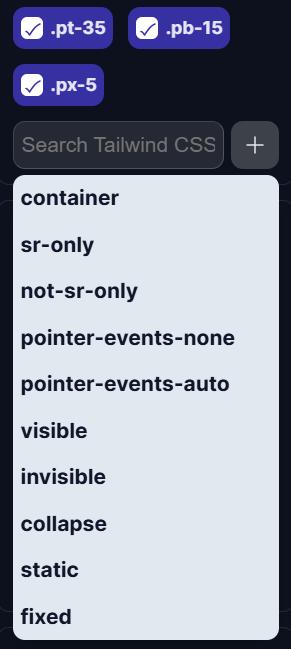
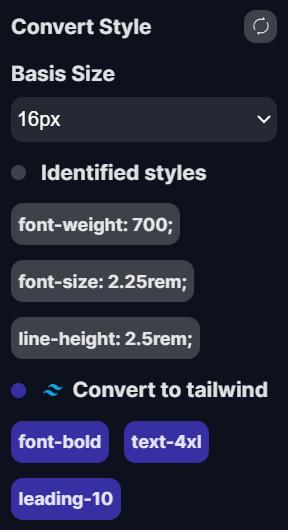
Convert to Tailwind CSS
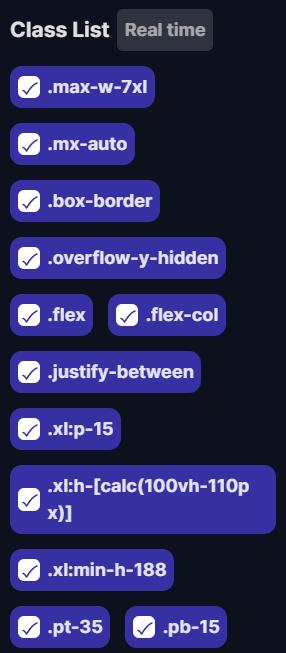
ProAutomatically scan the element's style and convert it into Tailwind CSS classes.
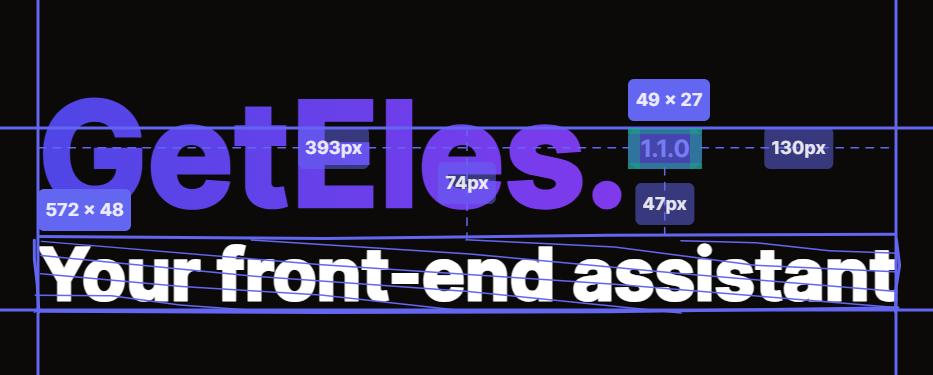
Measure Distance
FreeOnly need to slightly move the mouse and you can quickly mark the distance between elements for you.
Read Later
ProLite ModeSave the webpage you want to read later, and you can quickly access it later.
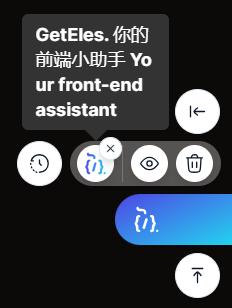
Lite Mode
ProLite ModeMore lightweight and simple interaction experience, not only preserves the basic functions, but also adds some interesting small functions
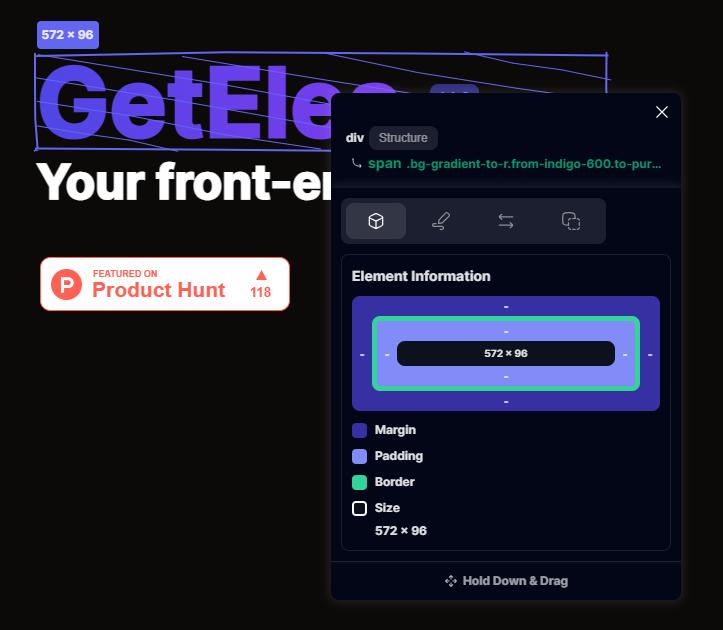
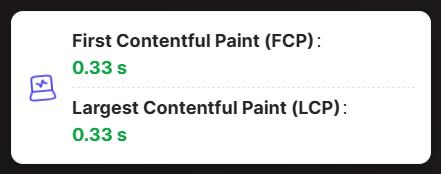
Performance
ProLite ModeGet the performance information of the webpage, such as FCP, LCP.
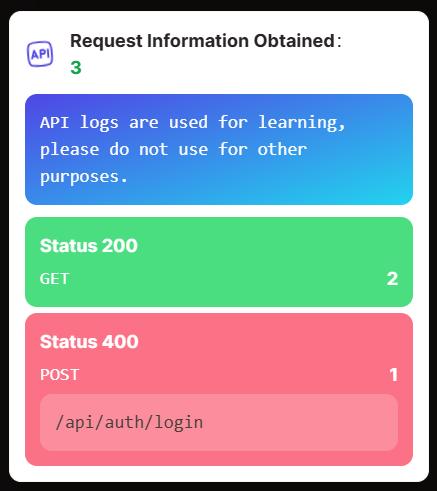
API Logs
ProLite ModeListen to the API calls of the webpage, making it easier for you to understand the behavior of the webpage.
Screenshot
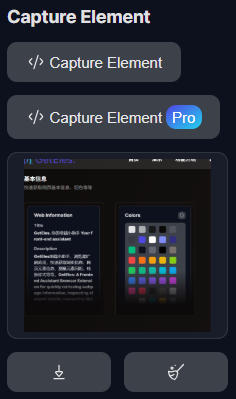
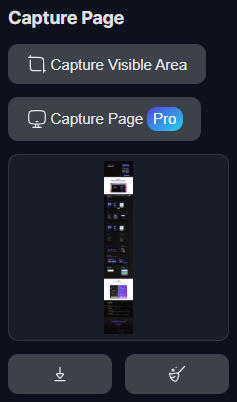
FreeProLite ModeYou can select element screenshot, or page screenshot, in the Pro version we added advanced screenshot functions, but it does not support websites with a lot of dynamic content (such as social platforms etc.)
Links
Copyright © 2024-2026 GetEles. 粤ICP备2023020530号-4